
IPTV Buffering: 10 Common Causes and How to Fix Them in 2026
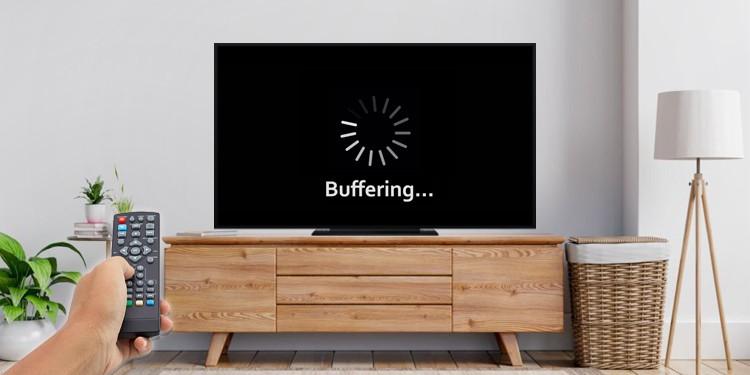
Have you ever started watching your favorite TV show or live sports event, only to experience constant buffering and interruptions? IPTV buffering is one of the most frustrating problems for streaming users, especially when they want to enjoy their favorite content without interruptions.
The good news is that buffering does not always mean your IPTV service is the problem. Internet speed, Wi-Fi signal, device performance, application settings, and network congestion can all affect streaming quality.
In this guide, we will explain the 10 most common reasons why IPTV keeps buffering and show you practical ways to improve your viewing experience in 2026.
If you are researching IPTV subscription options, visit IPTV Subscription 4K and IPTV4KPLUS to explore more information about IPTV streaming.
1. Slow Internet Connection
One of the most common causes of IPTV buffering is an unstable or slow internet connection.
Streaming requires a continuous flow of data. When your connection cannot keep up with the video bitrate, playback may pause while the device loads more content.
How to fix it:
Run an internet speed test.
Restart your router.
Close unnecessary applications using your internet.
Consider upgrading your internet plan if your speed is consistently insufficient.
Check your connection during different times of the day.
A stable connection is often more important than simply having a high advertised download speed.
2. Weak Wi-Fi Signal
Even with a fast internet plan, a weak Wi-Fi signal can cause interruptions.
If your television or streaming device is far away from your router, walls and other obstacles may reduce signal strength.
How to fix it:
Move your router closer to your streaming device.
Avoid placing the router behind furniture.
Use the 5 GHz Wi-Fi band when appropriate.
Consider using an Ethernet cable.
Reduce interference from other wireless devices.
A wired Ethernet connection can provide a more consistent connection when available.
3. Too Many Devices Using the Internet
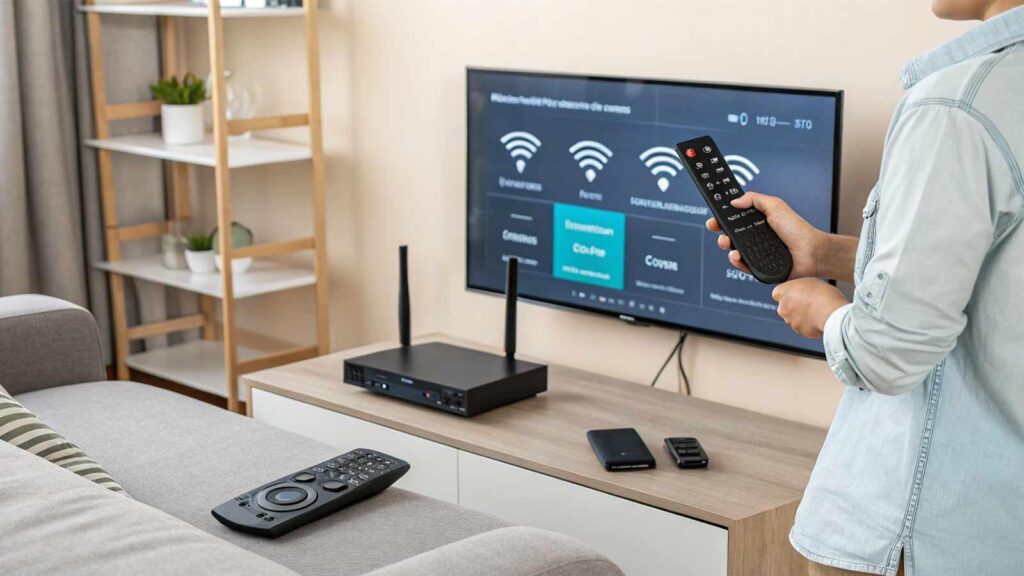
When several devices share the same internet connection, available bandwidth may become limited.
For example, someone watching 4K videos, downloading large files, and playing online games can increase network congestion.
How to fix it:
Pause unnecessary downloads.
Limit background streaming.
Check which devices are connected to your network.
Schedule large downloads outside your viewing time.
This can help improve streaming performance, particularly on connections with limited bandwidth.
4. Your IPTV Device Is Running Slowly
Sometimes the problem is not your internet connection but the device itself.
Older Smart TVs, streaming boxes, and Fire TV devices may struggle when running several applications simultaneously.
Try these steps:
Restart your streaming device.
Close applications running in the background.
Clear the cache of your IPTV application if supported.
Install available software updates.
Make sure your device has sufficient storage space.
Keeping your device updated can help improve its overall performance.
5. Outdated IPTV Applications
Using an outdated streaming application may cause compatibility problems, playback errors, or unexpected interruptions.
Application updates can include bug fixes, security improvements, and better compatibility with newer operating systems.
How to fix it:
Check for application updates.
Update your device operating system.
Restart the application after updating.
Use applications from trusted official sources.
Always make sure your IPTV application is compatible with your device.
6. Server or Network Congestion
Sometimes buffering happens even when your internet connection is working correctly.
A streaming provider may experience network congestion, server maintenance, or technical problems that affect playback.
What can you do?
Check whether other internet services are working.
Test another available stream.
Contact your provider to ask about technical issues.
Check for official service announcements.
If the problem happens only with one provider while other services work normally, the issue may be outside your home network.
7. Choosing the Wrong Streaming Quality
Higher video resolutions generally require more bandwidth.
For example, 4K streaming usually requires a faster and more stable connection than standard-definition video.
If your connection cannot handle the selected bitrate, buffering may occur.
How to fix it:
Try a lower available resolution.
Check your internet speed.
Avoid unnecessary network activity.
Make sure your device supports the selected resolution.
Choosing a quality that matches your internet connection can make a significant difference.
8. Router Problems
Your router plays an important role in your streaming experience.
An overloaded, outdated, or incorrectly configured router may create connection problems.
Try these solutions:
Restart your router.
Check for router firmware updates.
Place the router in an open location.
Disconnect devices that are no longer being used.
Contact your internet provider if connection problems continue.
If your router frequently disconnects, it may need further troubleshooting or replacement.
9. DNS and Network Configuration Issues
Incorrect network settings can sometimes prevent applications from connecting properly to streaming services.
DNS problems may affect how your device finds online servers.
Possible troubleshooting steps:
Restart your router and device.
Check your network configuration.
Use the DNS settings recommended by your internet provider.
Contact technical support if the problem continues.
Avoid changing advanced network settings unless you understand what they do.
10. Your IPTV Provider May Not Be Reliable
If you have tested your internet connection, restarted your device, and checked your application but buffering continues, the provider itself may be experiencing technical problems.
Before choosing an IPTV subscription, consider the following:
Is the service properly licensed?
Does the provider offer transparent subscription conditions?
Is customer support available?
Are compatible devices clearly listed?
Is the advertised streaming quality explained?
Are pricing and renewal conditions clear?
Do not choose a provider based only on the number of advertised channels or the lowest price.
You can explore IPTV subscription information through IPTVSUBSCRIPTION4K.ONLINE and compare additional information at IPTV4KPLUS.COM.
How to Prevent IPTV Buffering in the Future
Preventing buffering is easier when your home network and streaming device are properly maintained.
Here are some useful habits:
Keep your router and streaming device updated.
Use a stable internet connection.
Prefer Ethernet when possible.
Avoid unnecessary background downloads.
Keep enough storage space available.
Use compatible streaming applications.
Choose video quality suitable for your connection.
These simple steps can help reduce interruptions and improve your overall streaming experience.
IPTV Buffering FAQ
Why does my IPTV keep buffering?
Common reasons include slow internet, weak Wi-Fi, network congestion, device limitations, outdated applications, and provider-side technical issues.
What internet speed is recommended for IPTV?
As a general guideline, HD streaming may need around 5–10 Mbps, while 4K streaming may need 25 Mbps or more. Actual requirements depend on the stream bitrate and network conditions.
Does using an Ethernet cable reduce IPTV buffering?
It can help by providing a more stable connection than Wi-Fi, particularly when wireless interference is the problem.
Why does IPTV buffer at night?
Internet congestion may increase during busy evening hours. Your internet provider’s network and the streaming provider’s infrastructure may also become busier.
Can an old Smart TV cause IPTV buffering?
Yes. Older devices may have limited processing power, memory, or software compatibility, which can affect playback.
Does a VPN fix IPTV buffering?
Not necessarily. A VPN may sometimes improve routing in specific situations, but it can also reduce connection speed. It is not a guaranteed solution.
How do I know if my IPTV provider is the problem?
Test other streaming services using the same device and internet connection. If they work normally while the IPTV service continues to fail, the provider may be experiencing an issue.
Final Thoughts
IPTV buffering can have several causes, and replacing your subscription is not always the answer.
Start by checking your internet connection, Wi-Fi signal, router, device performance, and application updates. If everything works correctly but interruptions continue, contact your provider and ask about possible technical issues.
Choosing a streaming service should involve more than looking at advertised features. Always consider compatibility, transparency, customer support, and content licensing.
Looking for more information about IPTV subscriptions?
Explore IPTV Subscription 4K and visit IPTV4KPLUS to discover additional IPTV-related information and available options.